Getting Followers
Getting Followers
Let's get your store some followers!
If you want to gain followers quickly, a great method is through POP (point of purchase) Media! These are various media forms available for download and use that utilize QR Codes. When consumers scan these QR codes, they will be directed to the appropriate app store to download PETZ. Furthermore, they will automatically start following your store, ensuring a seamless connection between you and your customers. Get ready to make a remarkable impression and enhance your engagement with PETZ!
Let's explore the different POP Medias that are available for you to use!
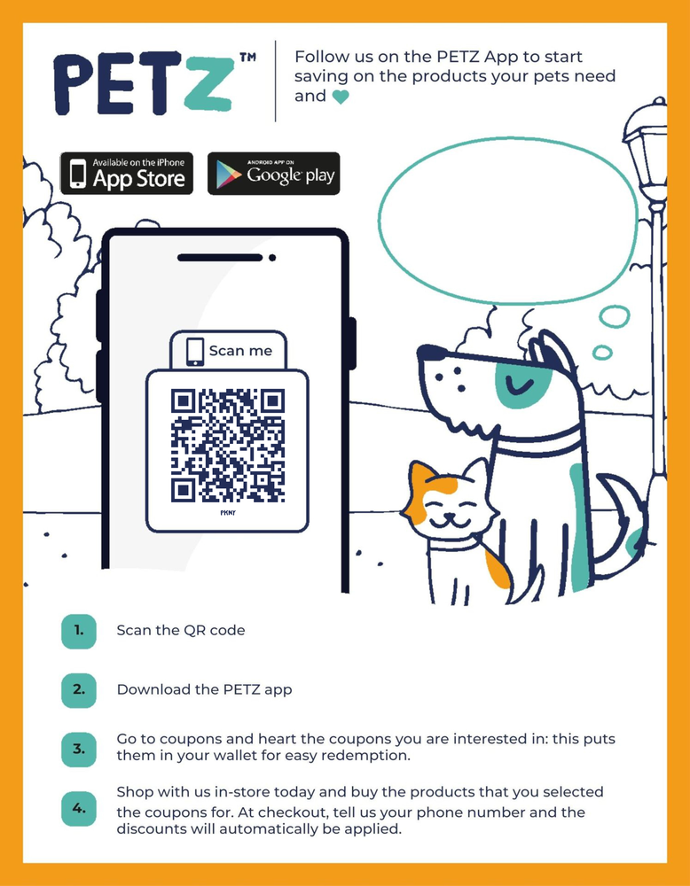
POP:
These are various counter signs you can use to drive up customer engagement! We have several to choose from that can correlate with your Store Follower Promotion or your Default Store Promotion. Both of which we will discuss a little later in the courses.
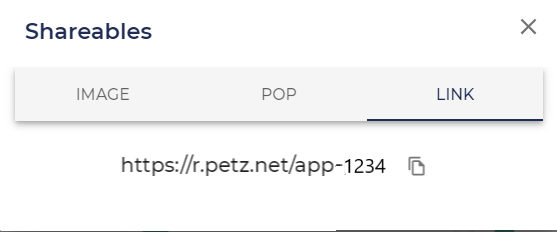
Link:
This is a direct link that you can use similar to the QR code.
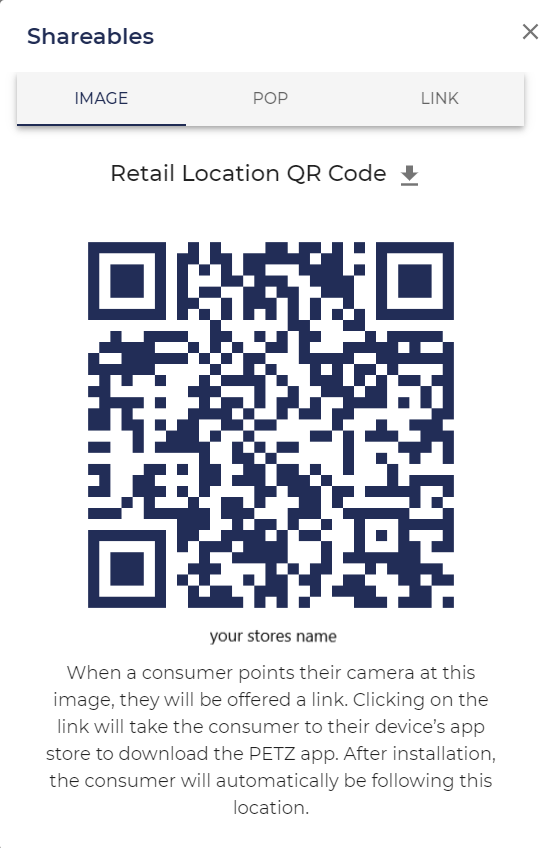
QR Image:
If you are doing a direct mail campaign or simply need more labels, you can download your unique QR code for your location(s) in the PETZ dashboard.
Access to all of these resources are available on your Location Card under the Media section. We will have a further breakdown of the Location Card later on in the courses as well. Check out the interactive photo slider for sample images of all of the pop media we have available!
Employee Phones?
Do your employees have their phones on them? Well let's put them to work!
By adding your employees as users in your PETZ dashboard and enabling app features your employees will have easy access to your store's QR code on their own phone!


Commenting is not enabled on this course.